Does your business know what IT equipment it owns? A practical asset register guide
4 November 2026
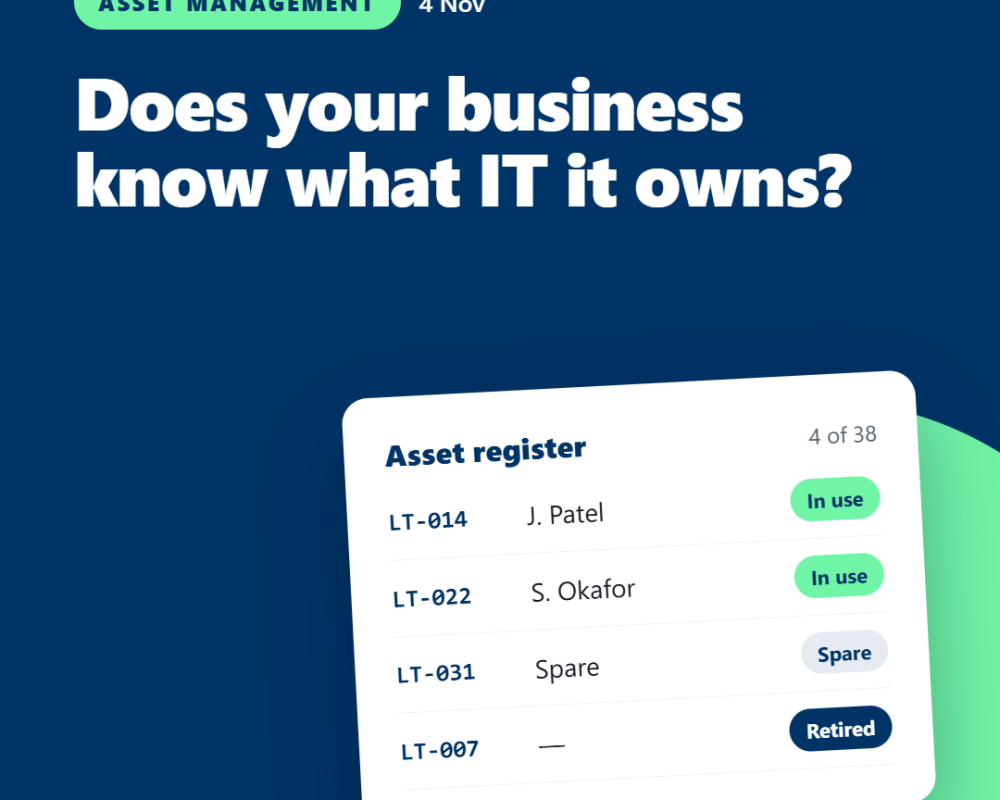
Could you quickly identify every company laptop, who uses it and when it may need replacing?
For a small business, that information can easily become spread across invoices, emails, spreadsheets and people's memories.
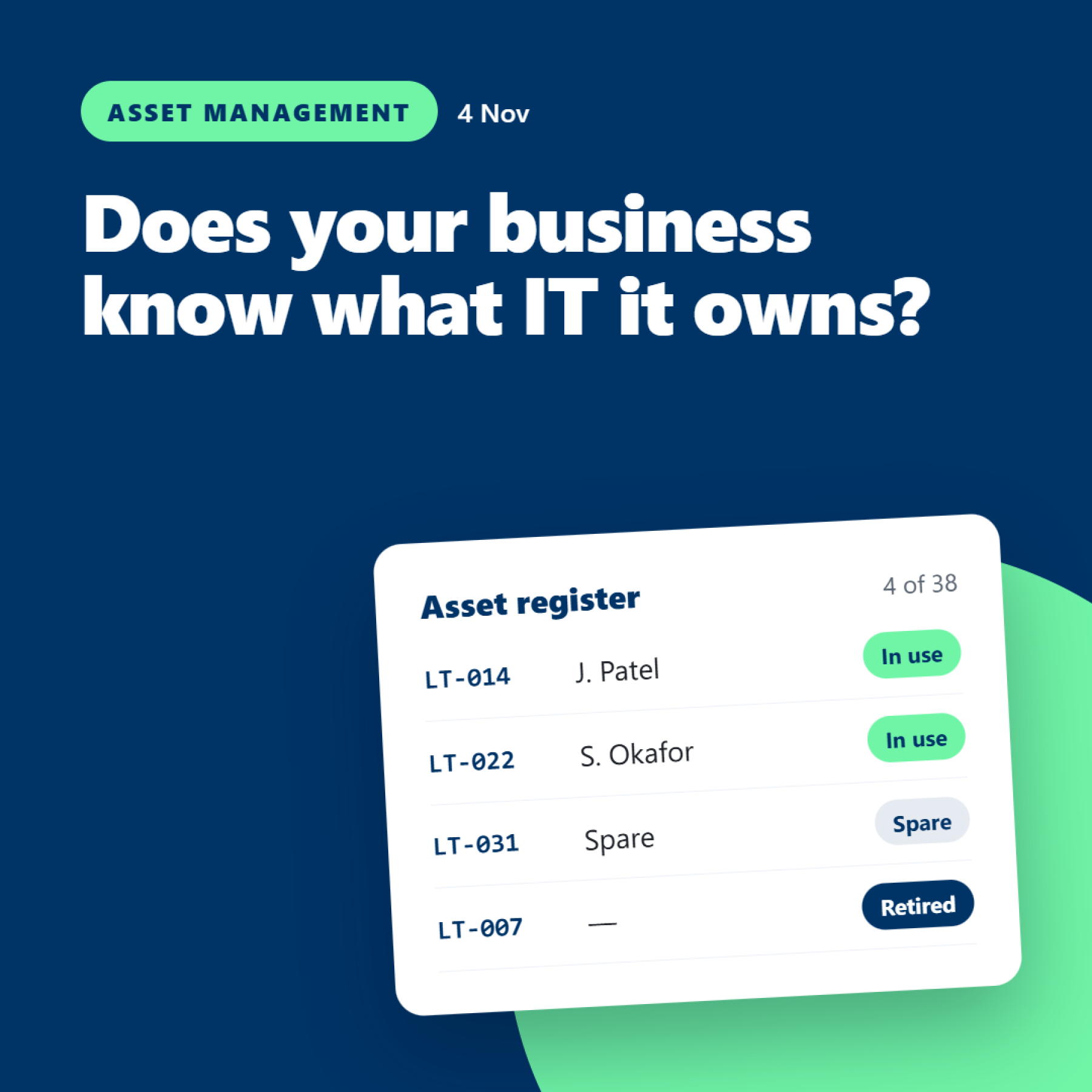
An IT asset register brings the important details together in one place. It doesn't need to be complicated, but it does need to be accurate and maintained.
What should an asset register include?
For each device, consider recording:
-
Asset details: Manufacturer, model, serial number and asset tag, if used.
-
Assigned user: Who is responsible for the equipment?
-
Location: Office, home or another approved working location.
-
Purchase information: Date purchased, supplier and cost.
-
Warranty: Expiry date and relevant support information.
-
Status: In use, spare, being repaired or retired.
-
Lifecycle: Expected replacement date or review point.
You may also want to record associated equipment, such as monitors and docking stations, depending on the size and needs of your business.
Keep the register proportionate. The aim is to capture information that helps you manage equipment, not create a spreadsheet so complicated that nobody updates it.
Why does it matter?
1. You can plan replacements.
If you know when devices were purchased and when warranties expire, you can plan replacements more effectively. That helps avoid replacing equipment only after it fails unexpectedly.
2. You can budget more accurately.
A register can show which devices may need replacing over the next 12 to 24 months. Instead of facing several unexpected purchases at once, you can plan expenditure ahead of time.
3. Onboarding and leavers become easier to manage.
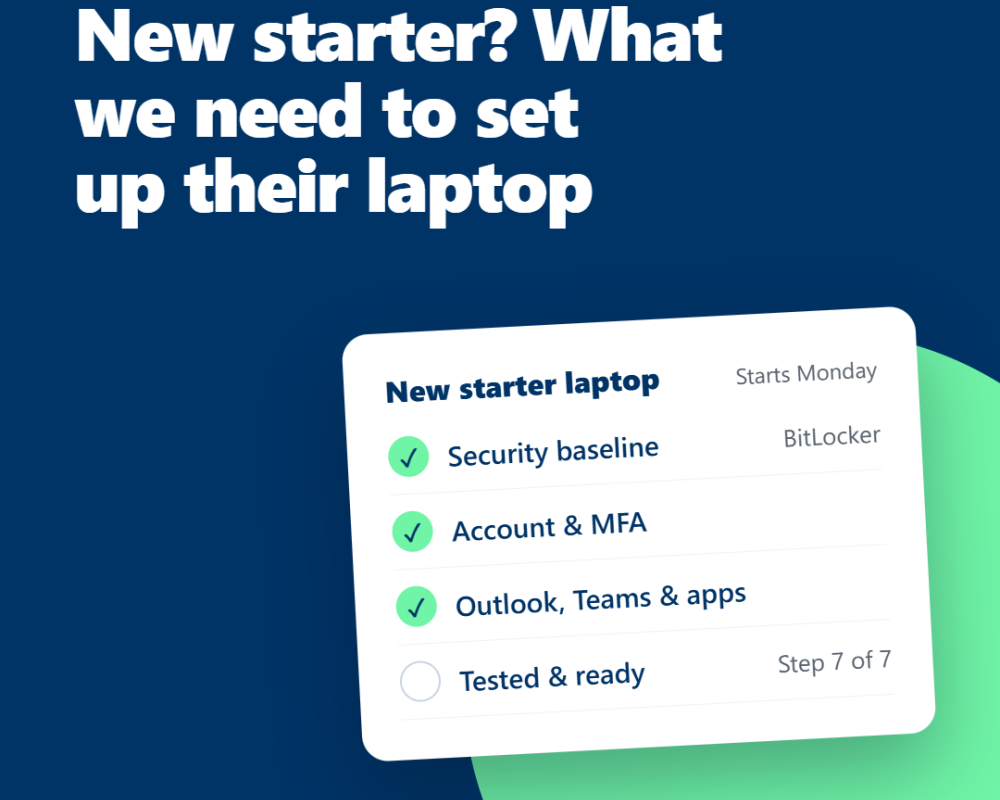
When someone joins, you can identify what equipment is available and what needs ordering. When someone leaves, you can check which devices need to be returned, reassigned or securely retired.
4. You have better visibility.
If a device needs support, knowing its model, serial number and assigned user makes it easier to identify the right equipment and locate the relevant information.
How do you keep it up to date?
Start with the information you already have, including supplier invoices, purchase records and details held by your IT provider.
Then establish a few simple rules:
-
Add new equipment when it is purchased or received.
-
Update the register when a device changes hands.
-
Record repairs, replacements and retirement.
-
Review the information periodically.
-
Restrict access to people who need it.
Where possible, make updating the register part of the existing procurement and onboarding process. That is usually more reliable than trying to remember to update it weeks later.
What about equipment that is no longer used?
Retired devices should not simply disappear from the records.
Record when equipment leaves service and make sure company information is handled appropriately before a device is reused, sold or disposed of. Your IT provider can advise on the suitable secure-wiping and disposal process for the equipment concerned.
The takeaway
An asset register is a straightforward way to improve visibility, support budgeting and make equipment changes easier to manage.
You don't need an elaborate system to get started. A well-maintained spreadsheet may be sufficient for a small business, provided it captures the right information and someone is responsible for keeping it accurate.
Maple can help businesses understand their IT estate, plan equipment replacements and keep procurement and device management organised.