A New Starter Is Joining Your Business: What Does Maple Need to Set Up Their Laptop?
29 October 2026
When a new employee joins your business, getting their laptop ready involves more than ordering a device and creating an email address.
Their role, workload, software requirements and level of access all affect how their laptop needs to be configured. Getting this information together early helps avoid last-minute requests, missing applications and delays on their first day.
At Maple, we provide and prepare laptops for our clients. Here’s the information we recommend gathering before requesting a new starter’s device, and what happens once you pass the details to us.
1. Start with the person’s role
The first thing to establish is what the new starter will actually be doing.
A laptop suitable for someone primarily working with emails, documents and video calls may not be the right choice for someone managing large datasets, running specialist financial software or working across several demanding applications.
When requesting a laptop, tell us:
-
Job title and department: What will the person be responsible for?
-
Seniority: Are they a manager, director, senior specialist or junior member of the team?
-
Workload: Will they mainly use Microsoft 365, or do they need to run resource-intensive applications?
-
Working arrangements: Will they be office-based, working remotely or regularly visiting clients?
-
Equipment requirements: Will they need additional monitors, a docking station, a headset or other accessories?
For example, a finance professional working with large spreadsheets and multiple applications may have different requirements from an employee who mainly uses Outlook, Teams and Word.
The more context we have, the better we can recommend a suitable specification rather than supplying a device that is either underpowered or unnecessarily expensive.
2. List the systems and software they need
A laptop can be ready to switch on but still be of little use if the employee cannot access the systems required for their job.
Before requesting the setup, consider:
-
Which Microsoft 365 applications will they use?
-
Do they need access to shared files, Teams channels or specific SharePoint locations?
-
Which finance, CRM, portfolio management or other specialist applications do they require?
-
Do they need access to a printer, meeting room equipment or other office resources?
-
Are there any role-specific tools or applications they will need on day one?
It is also useful to identify who should approve access to sensitive information. A new starter should receive the access required for their role, not automatically inherit every permission held by the person they are replacing.
If you are unsure whether an application or access requirement is already covered by your existing setup, include it in the request. We can clarify the requirements with you.
3. Confirm their account and access requirements
We will need the new starter’s details to prepare their user account and Microsoft 365 access.
Gather the following information:
| Information | Why it matters |
|---|---|
| Full name and job title | To prepare the correct user account |
| Start date | To plan the setup and delivery |
| Manager or internal contact | To confirm requirements and resolve questions |
| Required Microsoft 365 access | To prepare their account and applications |
| Shared folders and systems | To identify the access they need |
| Specialist software | To establish what needs to be installed or arranged |
| Any additional requirements | To identify anything outside the standard setup |
Please use your agreed secure process to share personal information and access requirements with Maple.
If the employee is replacing someone else, let us know, but do not assume their access should simply be copied across. Their responsibilities may differ, and permissions should reflect their own role.
4. Tell us about any additional security requirements
Every business has its own requirements, particularly where employees handle confidential client information or financial data.
Let us know if the new starter needs access to particularly sensitive systems, works with removable storage, or has other requirements that may affect how their device should be configured.
We can then discuss whether additional controls are appropriate. Depending on your needs, these may include restrictions on USB or removable storage and application control.
These requirements are best identified before the laptop is prepared, rather than discovered after the employee has started.
5. What Maple does to prepare the laptop
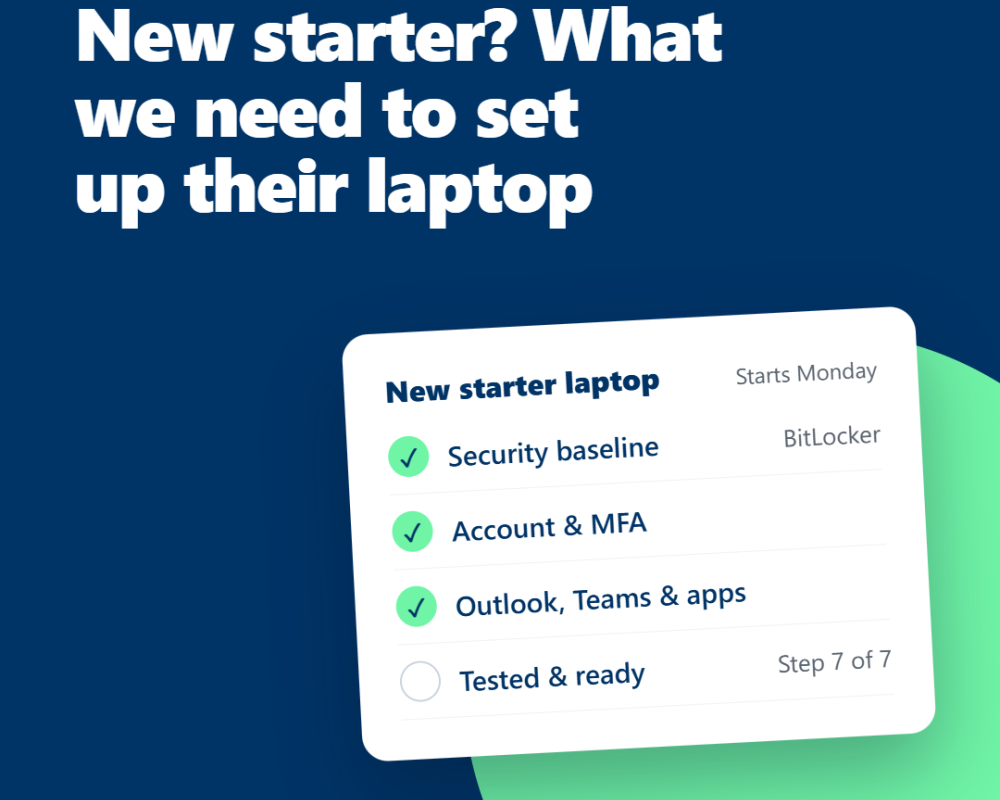
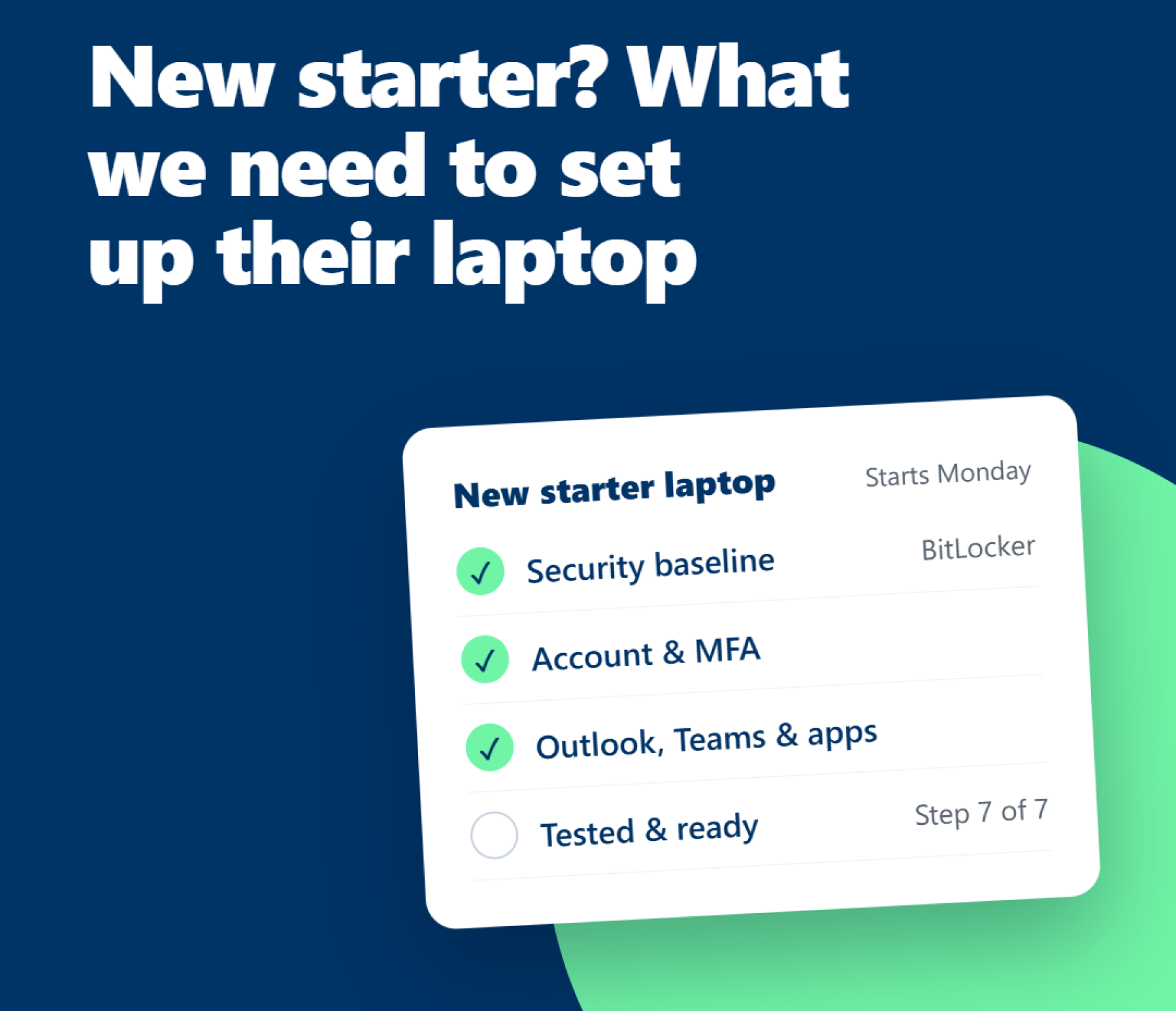
Once we have the information we need, we prepare the laptop using our secure setup process. Every device follows the same seven stages.
Step 1: Checks and updates
We complete Windows and firmware updates before moving on to the configuration.
Step 2: Windows setup
We configure Windows to meet the agreed requirements for your business and the user.
Step 3: Security protection and device management
We apply our standard security baseline, including Secure Boot, TPM 2.0, BitLocker full-disk encryption, Windows Defender Firewall, Microsoft Defender antivirus, Microsoft Defender for Business and Huntress endpoint detection and response. The device is managed through Microsoft Intune, with security policies and compliance monitoring applied.
Step 4: Accounts and access
We prepare the user account, Microsoft 365 access and multi-factor authentication (MFA).
Step 5: Applications
We install Outlook, Teams and the other agreed software needed for the employee's role.
Step 6: Testing
We check sign-in, applications and security tools to identify any issues before the laptop is handed over.
Step 7: Ready to go
We resolve any issues identified during testing and prepare the laptop for the user.
Our baseline also includes controlled local administrator access, enforced patching, screen-locking and password policies, and the removal of unnecessary services and software. Additional controls are considered where appropriate for the business.
The result is a laptop that is prepared for the employee's role, with the agreed applications and access in place and security controls applied as part of the setup.
Your new starter laptop checklist
Before contacting Maple, use this checklist to gather the key details.
-
Employee's name, job title and start date
-
Department, responsibilities and manager
-
Expected workload and any specialist performance requirements
-
Microsoft 365 applications and other software needed
-
Shared folders, business systems and permissions required
-
Any additional security or compliance requirements
-
Monitors, docking station and other accessories required
-
Delivery arrangements and any practical considerations for their first day
You do not need to know the technical specification yourself. The purpose is to help us understand the person, their role and what they need to do their job.
A smoother first day starts with the right information
A little preparation before a new starter joins can make a real difference. It gives us time to confirm the requirements, prepare the device and identify anything that needs to be arranged before their first day.
At Maple, we work with you to understand the role, supply a suitable laptop and set it up with the agreed applications, access and security controls.
Taking on a new employee? Contact Maple to discuss the laptop and setup requirements. We can help you work out what the user needs and get their device ready for work.