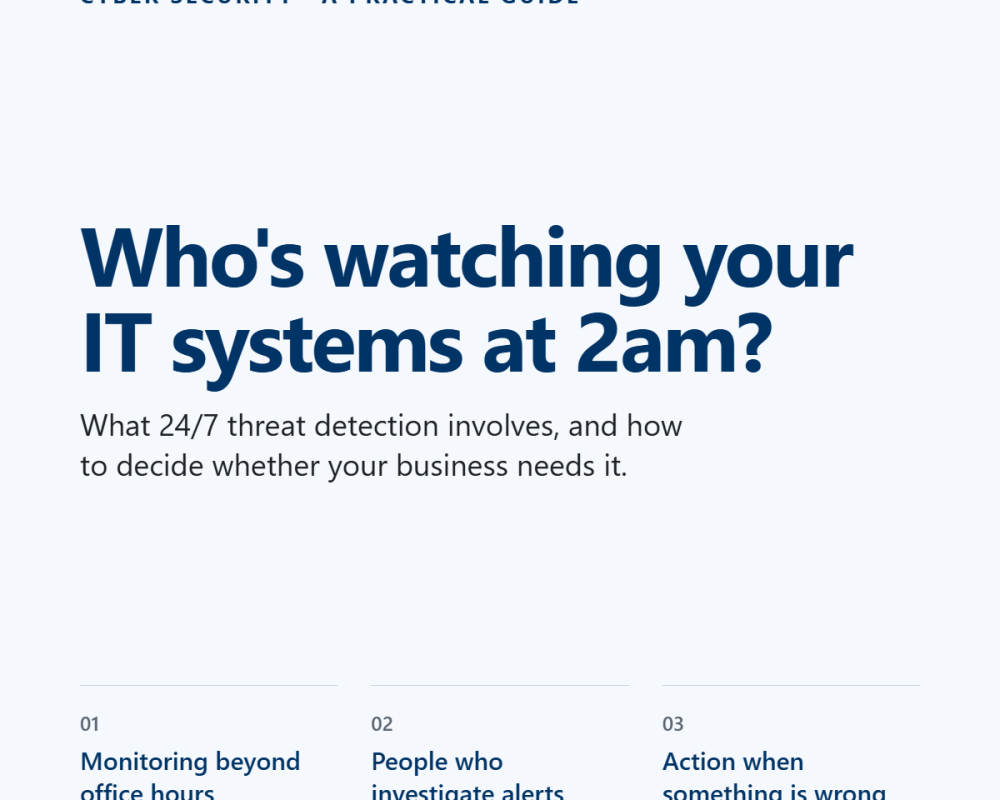
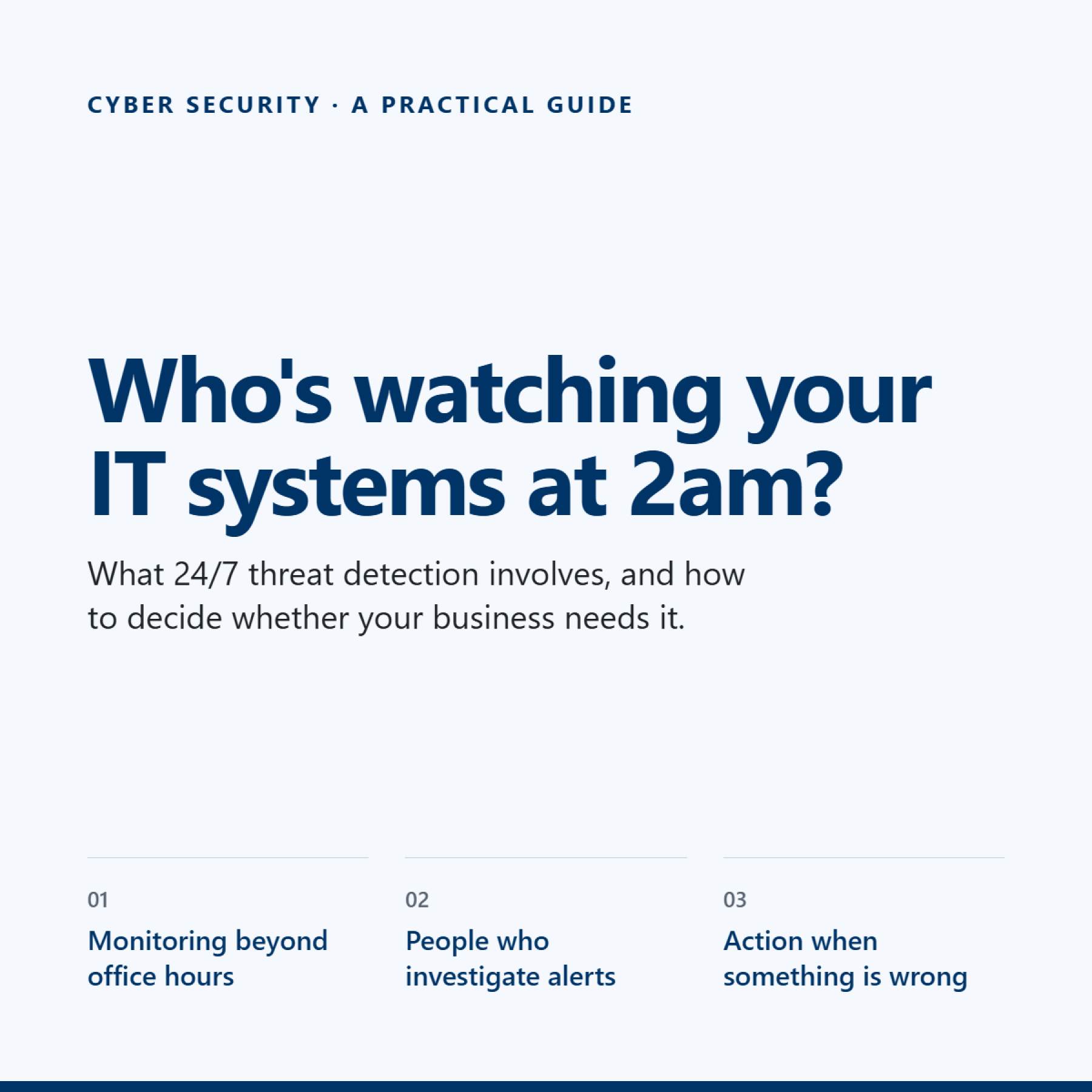
Who's watching your IT systems at 2am? A practical guide to 24/7 threat detection
21 October 2026
Who's watching your IT systems at 2am? A practical guide to 24/7 threat detection
Most businesses have antivirus software. Far fewer have a clear answer to a simple question: who investigates a security alert when everyone has gone home?
That gap matters, particularly for businesses handling sensitive financial, client or commercially confidential information.
Here's what 24/7 threat detection actually involves, what to look for in a provider and how to decide whether your business needs it.
Antivirus is a starting point, not the whole picture
Antivirus helps protect devices against malicious software and other known threats. Modern security tools can do considerably more, but installing them is only part of the job.
Someone still needs to investigate suspicious activity, work out whether it's a genuine threat and decide what to do next.
Imagine an employee opens a convincing email late on a Friday afternoon. A suspicious process starts running on their laptop at 9pm.
Your security software flags the activity, but nobody reviews the alert until Monday morning.
By then, an attacker may have had time to access accounts, move through your systems or steal information.
This is the gap that properly managed, around-the-clock detection and response is designed to address.
What does 24/7 threat detection actually include?
Not all security services offer the same level of protection. Before choosing one, check that it covers these three areas.
1. Monitoring beyond office hours
Your protection shouldn't stop when your team logs off.
Check whether the service monitors your devices and Microsoft 365 environment around the clock, including evenings, weekends and bank holidays.
This is particularly important for businesses with remote employees, staff travelling or people accessing company information from different locations.
2. People who investigate alerts
Automated tools can identify suspicious activity, but alerts need to be assessed in context.
Ask whether trained security analysts investigate alerts, how potential threats are prioritised and how quickly they are reviewed.
You want a provider that can distinguish routine activity from something that needs immediate attention, rather than simply forwarding a list of alerts to your team.
3. Action when something is wrong
Detection is only useful if it leads to an appropriate response.
Depending on the threat and the service arrangements, this might include isolating a compromised device, investigating suspicious account activity, containing the incident and escalating it to your IT provider or your internal team.
Ask exactly what the provider can do without waiting for your approval, what requires your involvement and how you'll be kept informed.
Five questions to ask your IT provider
If you're reviewing your current security arrangements, start here.
-
Who investigates an alert at 2am on a Sunday? Get a clear answer, not just confirmation that monitoring is switched on.
-
Are Microsoft 365 accounts covered as well as laptops? Protecting devices alone may leave gaps around email, sign-ins and cloud activity.
-
What happens if a genuine threat is identified? Ask about containment, escalation and who is responsible for the next steps.
-
How quickly are alerts reviewed? Understand the provider's actual commitments and whether these differ by severity.
-
What will I receive afterwards? You should be able to understand what happened, what action was taken and whether anything needs your attention.
If your provider can't explain the process clearly, it's worth investigating further.
Do you actually need 24/7 monitoring?
For a small business, employing an in-house security team around the clock is rarely practical. That doesn't mean you have to leave your systems unmonitored overnight.
It's worth prioritising if your business:
-
Handles sensitive client, financial or personal information.
-
Relies on Microsoft 365 for email, documents and day-to-day operations.
-
Has staff working remotely or outside normal office hours.
-
Needs to demonstrate that security risks are being managed.
-
Would face significant disruption, financial loss or reputational damage following a breach.
Even if your team only works from 9 to 5, your systems don't necessarily stop being exposed at 5pm.
How Maple approaches it
At Maple, we believe security works best when the tools, monitoring and response arrangements work together.
Maple Complete brings together Microsoft 365 Business Premium, Huntress security, Cisco Umbrella, Acronis Microsoft 365 backup and device management through NinjaOne, alongside other services designed to help keep your business secure and running smoothly.
Huntress provides managed threat detection and response, including monitoring for threats across supported endpoints and Microsoft 365 environments. This adds a layer of security oversight beyond simply installing antivirus software.
For businesses that need an additional out-of-hours response arrangement, our 24/7 Incident Response service provides a dedicated escalation process, human call answering, access to a senior response rota and documented playbooks, with a 60-minute SLA.
These services address different parts of the problem: security monitoring helps identify threats, while an agreed response service helps ensure incidents are escalated and handled appropriately.
The right setup depends on your business, your existing security arrangements and the level of coverage you need.
The takeaway
You don't need to employ a security team yourself to improve your out-of-hours protection. You do need to know who is watching, what happens when something is detected and who takes responsibility for the response.
Start by asking your current IT provider those five questions. Their answers should tell you a lot about how well your business is protected.
Want to understand what's included in your current setup, and where the gaps might be?
Speak to Maple for a no-obligation conversation about your security arrangements and whether Maple Complete is right for your business.
Email connect@mapletech.co.uk or call 020 3900 4300.
What is SIMEX26, and what can smaller firms learn from it?