Phishing tests: how to make your team more security-aware without creating a blame culture
23 October 2026
Phishing emails are designed to look convincing. They might resemble an invoice, a message from a supplier or a Microsoft 365 password notification.
Even experienced employees can be caught out, particularly when they're busy or dealing with something unexpected.
Phishing simulations can help your team recognise suspicious emails and practise reporting them. But the way you run them makes a real difference.
Here's how to build a programme that improves security awareness without making people afraid to admit they've made a mistake.
The goal isn't to catch people out
A phishing test sends a simulated scam email to employees to see how they respond.
The useful part isn't simply finding out who clicks. It's understanding where people might need more support and making it easier for them to spot and report genuine threats.
For example, if several employees struggle to identify a convincing Microsoft 365 sign-in email, that could be a useful opportunity to provide targeted guidance.
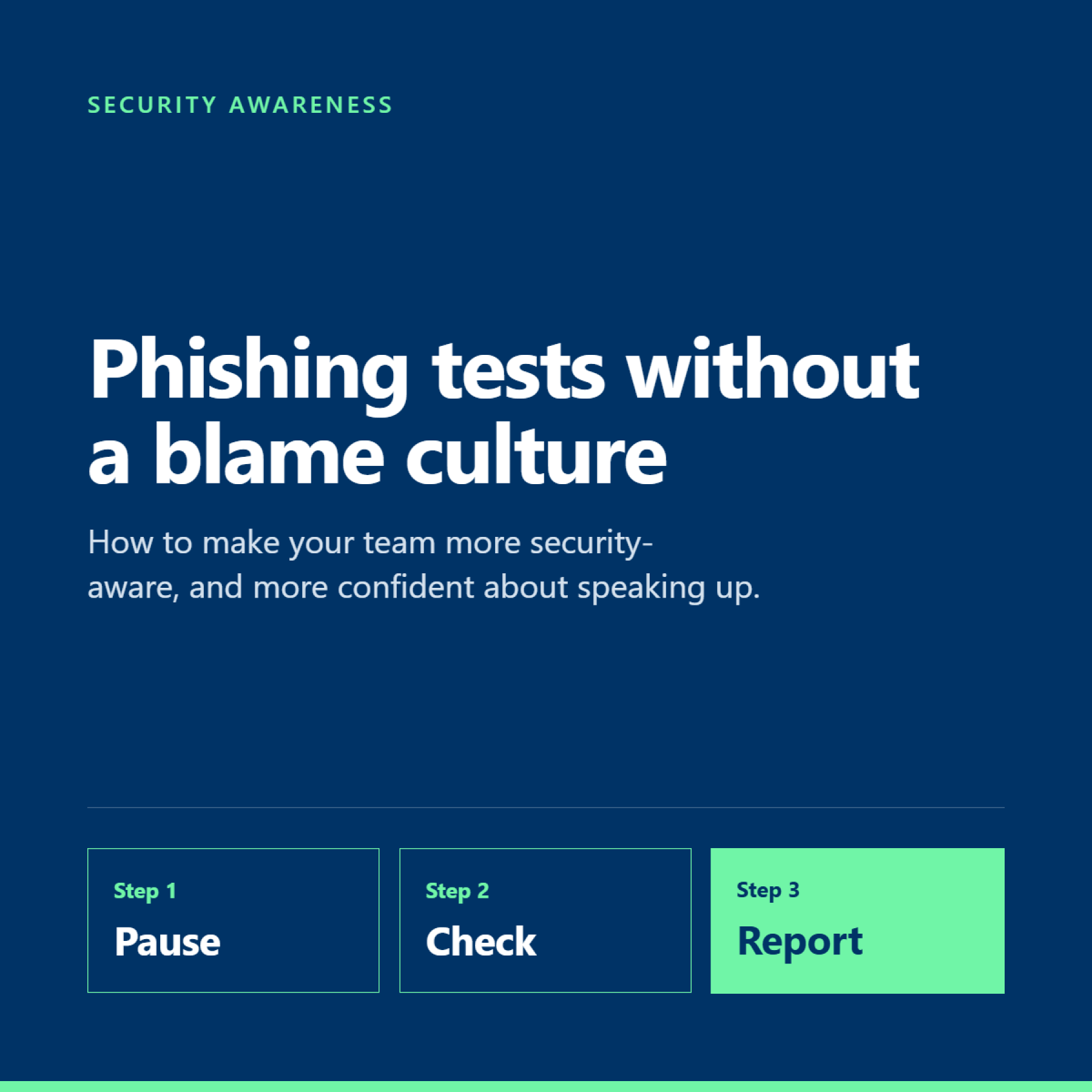
The aim is to build a habit: pause, check and report anything suspicious.
What does a good phishing test look like?
1. Use realistic examples
Tests should reflect the emails your employees might actually receive.
Examples include:
-
A supplier asking you to review an updated invoice.
-
A meeting invitation with an unexpected attachment.
-
A notification about a shared document.
-
A password reset email that you weren't expecting.
The point is to practise recognising the warning signs, not to send an obviously ridiculous email that everyone immediately spots.
2. Give people useful feedback
If someone interacts with a simulated phishing email, use it as a learning opportunity.
Explain what made the message suspicious, what they could have checked and how to report similar emails in future.
Avoid public leaderboards, naming and shaming or making an employee feel they've failed.
People should feel comfortable asking for help, especially when a real email is involved.
3. Make it regular
A single annual test is unlikely to build a lasting habit.
Regular simulations help employees practise recognising different types of phishing attempts. Monthly testing can be a useful starting point, provided the frequency and difficulty are appropriate for your team.
Vary the scenarios so people learn to recognise suspicious behaviour rather than simply memorising what the last test looked like.
4. Make reporting easy
Your team needs to know exactly what to do when an email looks suspicious.
That might mean using Outlook's reporting functionality, following an internal reporting process or contacting your IT provider.
Explain what happens after a report is submitted, too. If people never hear back, they may be less inclined to report the next one.
What should you measure?
Click rates are useful, but they don't tell the whole story.
Track these three measures over time:
-
Click rate: how many people interact with the simulated email.
-
Reporting rate: how many people identify and report it.
-
Reporting speed: how quickly suspicious emails are reported.
Look at the trends rather than judging the team on one test.
A falling click rate is encouraging. A rising reporting rate can be even more useful because it suggests employees are becoming more confident about raising concerns.
You can also review results by team or role where appropriate, keeping individual results confidential and using them to guide support rather than punishment.
New starters may benefit from additional training because they're still learning your processes and may be more susceptible to convincing messages that appear to come from colleagues or suppliers.
Three mistakes to avoid
Treating it as a compliance exercise. Running a test and filing the results away won't necessarily improve behaviour. Decide what you'll do with the findings before you start.
Making people afraid to report mistakes. If employees worry about being blamed, they may hide a genuine click. That delay can make an incident harder to contain.
Assuming training replaces technology. Awareness training is important, but it should sit alongside email security, multi-factor authentication, appropriate access controls, endpoint protection and monitoring.
Even a well-trained team can make a mistake. Your wider security setup needs to account for that.
A simple starting plan
If you don't currently run phishing tests, you don't need a complicated programme to get started.
-
Tell your team why you're introducing simulations and how the results will be used.
-
Make sure everyone knows how to report a suspicious email.
-
Run a realistic initial test and record the results.
-
Provide friendly, targeted feedback where needed.
-
Repeat regularly and review the trends each month.
-
Use what you learn to improve training and other security controls.
For businesses with compliance obligations, keep a record of your programme, the training delivered and the improvements made. This helps demonstrate that security awareness is being managed as an ongoing activity, rather than a one-off exercise.
How Maple helps
At Maple, phishing simulations form part of our security awareness approach through Maple Complete, alongside managed threat detection and other protective measures.
Using our security partner Huntress, we can help clients run regular phishing exercises and use the results to identify where further awareness training may be useful.
Maple Complete also brings together Microsoft 365 Business Premium, endpoint security, web protection and Microsoft 365 backup, helping businesses take a more joined-up approach to protecting their people and information.
The benefit is that phishing awareness isn't treated as an isolated training exercise. It sits alongside the technology and processes designed to reduce the risk if someone does make a mistake.
The exact configuration and included features depend on the agreed service.
The takeaway
The best phishing programme isn't the one where nobody ever clicks. It's the one where employees learn to recognise suspicious messages, report them quickly and feel comfortable speaking up when something goes wrong.
If someone on your team thinks they've clicked a suspicious link, the most important thing is that they tell you straight away.
Want to know how your current IT setup supports phishing awareness and email security?
Speak to Maple about Maple Complete and how we can help your team build safer habits.
Email connect@mapletech.co.uk or call 020 3900 4300.