The Hidden Costs of Outdated Computers
29 May 2026
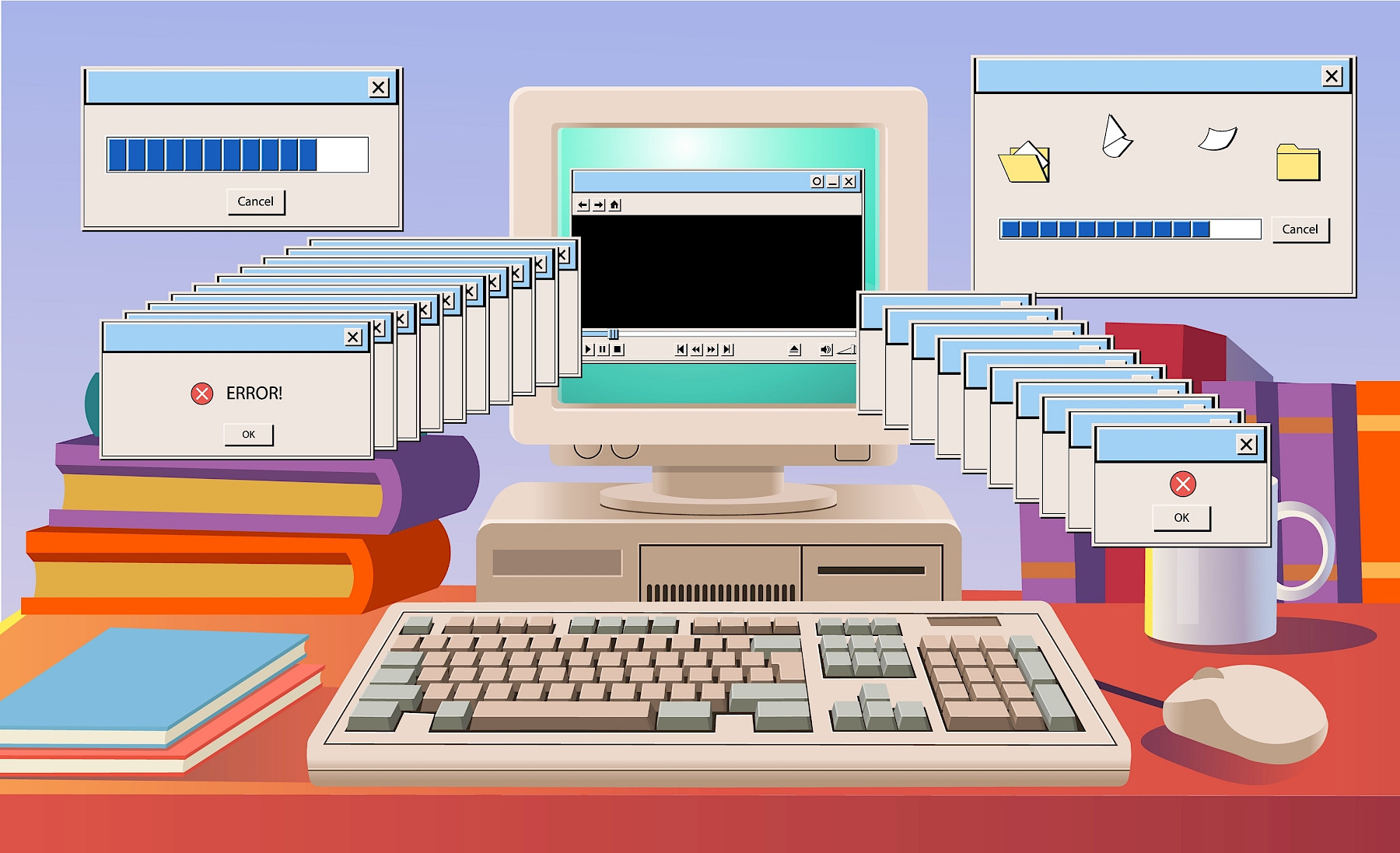
Many businesses continue using old computers for longer than they should. On the surface, it can seem like a smart way to save money. If the device still turns on and employees can access emails or documents, replacing it may not feel urgent. The problem is that outdated computers often cost businesses far more in lost productivity, downtime, and security risks than the price of replacing them.
For businesses relying on technology every day, older devices can quietly slow operations down across the entire company.
Slow performance affects productivity
One of the biggest issues with ageing computers is speed. Employees lose time every day waiting for systems to boot up, applications to load, files to open, or updates to complete. Individually these delays may seem minor, but over weeks and months they add up significantly. If a member of staff loses just 15 to 20 minutes per day because of slow systems, that quickly turns into hours of lost productivity every month.
Common signs of outdated computers include:
- Slow startup times
- Freezing or crashing applications
- Delayed file access
- Poor Microsoft Teams performance
- Web browsers struggling with multiple tabs
- Loud fans and overheating
- Frequent update failures
When staff are constantly waiting for technology to respond, frustration increases and efficiency drops.
Downtime becomes more common
Older hardware is more likely to fail unexpectedly. Hard drives wear out, batteries degrade, components overheat, and systems become less reliable over time. Unexpected failures can leave employees unable to work while repairs or replacements are arranged. For businesses without spare devices ready to go, even a single hardware failure can disrupt an entire working day.
Downtime often affects:
| Issue | Business Impact |
|---|---|
| Failed hard drives | Loss of files and disruption to work |
| System crashes | Interrupted meetings and missed deadlines |
| Slow updates | Employees unable to access systems |
| Device failures | Emergency replacement costs |
| Compatibility issues | New software unable to run properly |
Replacing devices before they fail is usually far less expensive than dealing with emergency downtime.
Outdated computers increase cybersecurity risks
Older devices often struggle to support modern security requirements. Some businesses continue using unsupported operating systems or hardware that cannot properly handle newer security tools. This creates weaknesses that cybercriminals can exploit.
Security risks linked to outdated computers include:
- Unsupported operating systems
- Missing security patches
- Increased vulnerability to ransomware
- Slower antivirus performance
- Incompatibility with modern security software
- Weak protection for remote workers
Cybersecurity is no longer just about installing antivirus software. Businesses need devices capable of running modern protection tools, encryption, monitoring software, and regular updates without impacting performance.
Employee experience matters
Technology plays a major role in employee satisfaction. Slow and unreliable systems create unnecessary stress during the working day. Staff become frustrated when simple tasks take longer than they should. Reliable technology helps teams work more efficiently, collaborate more effectively, and avoid unnecessary interruptions. For businesses hiring new employees, outdated technology can also create a poor first impression.
Modern devices improve efficiency
Newer business computers offer major improvements in:
- Speed and performance
- Reliability
- Battery life
- Security features
- Remote working support
- Microsoft 365 performance
- Video conferencing quality
Modern systems are designed to support today’s hybrid working environments and cloud-based applications.
Businesses upgrading from older devices often notice immediate improvements in productivity and user experience.
How Maple helps businesses upgrade their IT
At Maple, we help businesses identify when ageing hardware is affecting productivity, reliability, or security.
We provide practical advice on:
- Device replacement planning
- Hardware recommendations
- Microsoft 365 compatibility
- Secure setup and deployment
- Data migration
- Ongoing IT support and monitoring
Rather than waiting for devices to fail unexpectedly, we help businesses plan upgrades strategically to reduce disruption and improve day-to-day performance.
Maple's thoughts
Outdated computers can quietly drain time, productivity, and resources from a business every day. While replacing hardware may feel like an unnecessary expense in the short term, continuing to rely on ageing systems often creates bigger costs through downtime, inefficiency, and increased security risks. Keeping technology modern, secure, and reliable helps businesses work more efficiently and reduces avoidable IT problems before they impact operations. If your team is regularly dealing with slow systems, crashes, or unreliable devices, it may be time to review your current IT setup, get in touch!
Beginner’s guide to digital workplace organisation