Microsoft 365 security update, August 2026: the free feature most businesses haven't switched on
20 August 2026
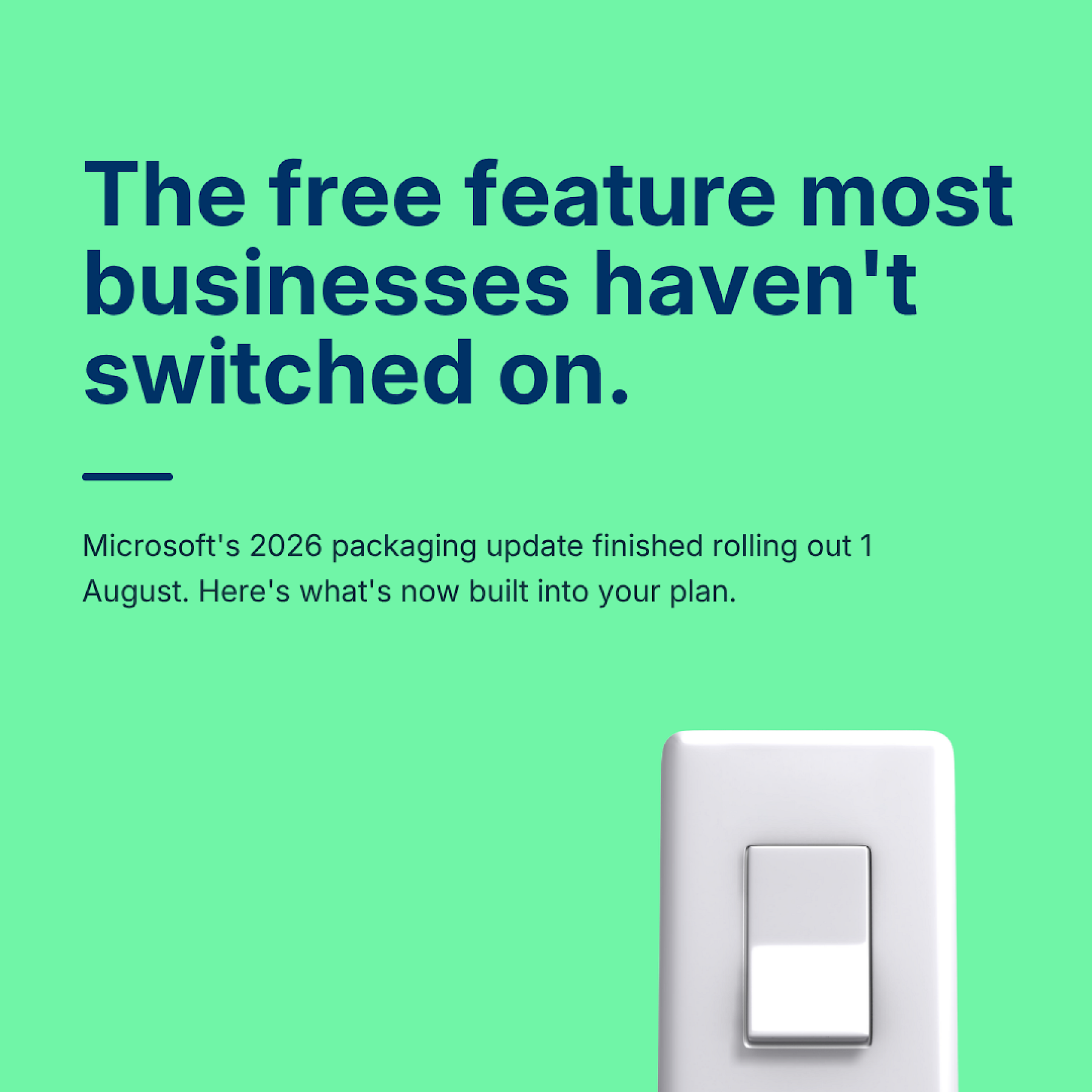
Microsoft finished rolling out its 2026 packaging update on 1 August. If that sentence means nothing to you, you're the person this post is for.
Here's the short version. Back in June, Microsoft announced that a bunch of security and management features would start appearing inside existing Microsoft 365 licences, at no extra cost, over the following couple of months. As of this month, that rollout is done. If you're on Business Basic, Standard or Premium, there's a decent chance your tenant already has capability sitting in it that wasn't there in May.
What's new in Microsoft 365 Business Basic and Standard
There's a list of additions, and most of it is fairly dry (more mailbox storage, some Copilot Chat tweaks). But one addition is genuinely useful for a small or mid-sized business, and it's the one most people will miss: URL time-of-click protection, now built into Business Basic and Standard.
Here's why it matters. Traditional email filtering checks a link when the message lands in your inbox. That catches a lot, but not everything, because attackers have worked out that a link can look clean at 9am and turn malicious by 2pm. They send something harmless-looking, wait for it to sail through your filters, then swap the destination once it's sitting in your inbox.
How URL time-of-click protection actually works
Instead of checking the link once, on arrival, it checks again at the moment someone actually clicks it. So even if a link was clean when it landed, and turned nasty three hours later, you still get stopped before it does any damage. If you've never had a dedicated email security layer, this is a real, practical upgrade. Business Premium customers get something similar through Microsoft Defender for Office 365 Plan 1, which was already part of the plan but has now had its capability extended.
The catch: included doesn't mean configured
This is the bit that actually matters for anyone reading this thinking "great, sorted then."
Some of what's rolled out is applied automatically. Some of it needs someone to go in, review the policy, and switch it on properly. If nobody in your business owns your Microsoft 365 tenant, in the sense of actually logging in and checking what's changed rather than assuming Microsoft has handled it, this is exactly the kind of thing that sits there unused for two years.
We see this a lot. A feature gets added, a notice appears in the Message Center, nobody reads the Message Center, and the business carries on as if the update never happened. The security value of time-of-click protection is real, but only if it's actually switched on and not silently overridden by an older rule sitting further up your policy list.
How to check your Microsoft 365 tenant this week
If you're on Microsoft 365 Business Basic, Standard or Premium, it's worth ten minutes to check three things.
Open the Microsoft Defender portal and look at your Built-in Protection policy. Confirm Safe Links and time-of-click checking are actually active, not just present.
Check whether you've got any older mail flow rules or third-party filtering that might be quietly overriding the new default. New protection sitting behind an older, looser rule doesn't help anyone.
If you're due a licence renewal this year, it's worth checking what you're already paying for before you buy anything extra. A few businesses we've spoken to were paying separately for a link-scanning tool that's now built into the licence they already hold.
None of this needs a big project. It needs someone to actually go and look, which is the part that tends to get skipped when the update arrives quietly in an admin notice nobody reads.
Why Microsoft 365 updates like this get missed
This isn't really a story about one licensing update. It's the same pattern every time Microsoft ships something into the background of a plan you already pay for. The announcement goes into the Message Center, one of the least-read corners of the entire admin experience, and unless someone has "check the Message Center" as an actual task on an actual list, the update just sits there. Six months later someone buys a third-party tool to solve a problem Microsoft already solved for free, because nobody knew it had been solved.
That's not a dig at anyone. Running a business means most people's attention is on customers and deadlines, not licensing bulletins. But it does mean "we're on Microsoft 365, so we're covered" is doing a lot of heavy lifting as a sentence, and it's worth checking it's actually true.
If you're already thinking about tightening things up, for a client requirement, an insurance renewal, or just general housekeeping, this is a genuinely easy first step. It costs nothing, because you're already paying for the licence. It just needs someone to open the Defender portal and close the gap between what you're entitled to and what's actually configured. That gap is where most of the real risk in a small business tenant tends to sit. Not in some exotic threat nobody's heard of, in the ordinary stuff that was included the whole time and never got switched on.
If you want a hand checking what's switched on in your tenant versus what's just technically available, get in touch. It's usually a shorter conversation than people expect.