Planning an Office Move? The IT Checklist Businesses Often Overlook
18 November 2026
Moving offices involves much more than packing up desks and booking a removal company. Your internet connection, phones, meeting rooms and employee equipment all need to be ready so your team can get back to work without unnecessary disruption.
For financial services firms, where access to business systems and client information is essential, getting the IT side right is particularly important.
The good news is that most last-minute problems can be reduced with a bit of planning.
1. Check the new office's connectivity early
Don't assume the new office will have everything you need in place.
Check what internet services are available, whether the existing connection is suitable for your business and how long installation might take.
If your business relies on cloud applications, video calls or remote access, connectivity needs to be considered well before moving day.
Where possible, arrange the new connection in advance and confirm when it will be ready for testing.
2. Plan where the equipment will go
Before the move, establish where desks, monitors, printers and meeting room equipment will be located.
This is particularly important if the new office has a different layout. You may need to consider network connections, power sockets, wireless coverage and how people will connect to shared equipment.
A floorplan marked with equipment locations can help your IT provider and removal company understand what's required.
3. Decide what needs moving and what needs replacing
An office move is a useful opportunity to review the equipment you're taking with you.
Are all your monitors and docking stations still suitable? Are there devices that need replacing? Is any equipment no longer required?
Create an inventory of the items being moved and identify anything that needs to be purchased before the move.
This helps avoid discovering that a key piece of equipment is missing when everyone arrives at the new office.
4. Make a plan for meeting rooms
Meeting room technology is easy to overlook until the first client meeting takes place.
Check what the new rooms need, including displays, video conferencing equipment, cameras, microphones and connectivity.
If you're moving existing equipment, confirm that it will work in the new layout. If you're installing new equipment, allow time for configuration and testing.
For businesses that regularly hold client meetings, having a working meeting room from day one can make a real difference.
5. Protect access to business systems
Before moving day, confirm how employees will access the systems and information they need.
Consider laptops, user accounts, authentication methods, printers, shared files and any office-based equipment that needs to be reconnected.
If your business uses specialist applications or depends on particular network arrangements, make sure these requirements are included in the plan.
You should also agree who will be responsible for resolving issues if something doesn't work as expected.
6. Plan the move around your working day
Think about when equipment can be disconnected, transported and reconnected with the least disruption.
For example, moving equipment at the end of a working day may give your IT provider time to prepare the new office before staff arrive.
Agree the timetable, communicate it to employees and identify any critical systems that need to be available first.
If your business cannot afford an extended interruption, discuss contingency arrangements before the move.
7. Test everything before employees arrive
Ideally, don't wait until the first morning in the new office to discover that the printer won't connect or the meeting room display isn't working.
Before staff return, test the essentials:
-
Internet connectivity and wireless coverage.
-
Employee laptops and access to business applications.
-
Email, printing and shared resources.
-
Meeting room displays and video conferencing.
-
Any specialist systems or equipment your business relies on.
Keep a list of outstanding issues, assign responsibility and confirm how they will be resolved.
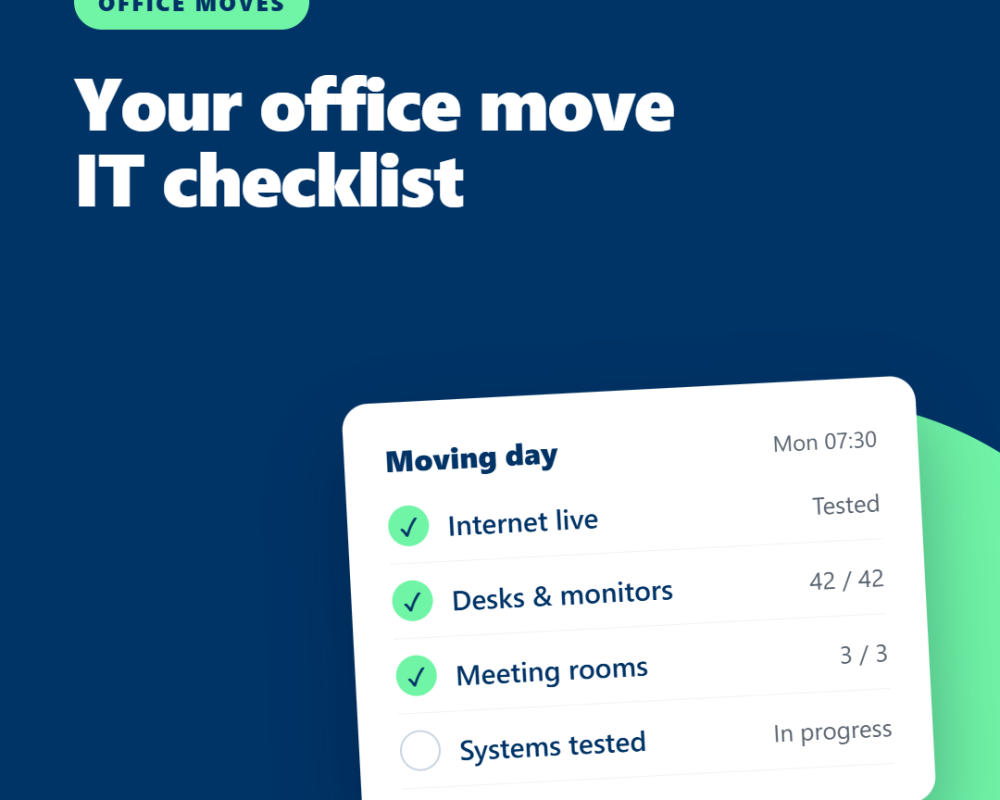
Your office move IT checklist
A few weeks before the move, make sure you have:
-
Confirmed internet availability and installation dates.
-
Reviewed the new office floorplan and equipment locations.
-
Created an inventory of equipment to move or replace.
-
Planned meeting room technology.
-
Identified essential systems and access requirements.
-
Agreed the moving timetable and responsibilities.
-
Arranged testing before employees return.
The takeaway
An office move is an opportunity to improve how your business works, but it needs to be planned around the technology your people rely on every day.
Starting early gives you more time to coordinate suppliers, identify potential issues and make sure the new office is ready for business.
Maple helps businesses plan IT requirements for office moves, coordinate equipment and connectivity, and prepare systems so employees can get back to work with as little disruption as possible.