Secure Trading on the Go: How to Protect Bloomberg Terminals and Mobile Devices
27 October 2025
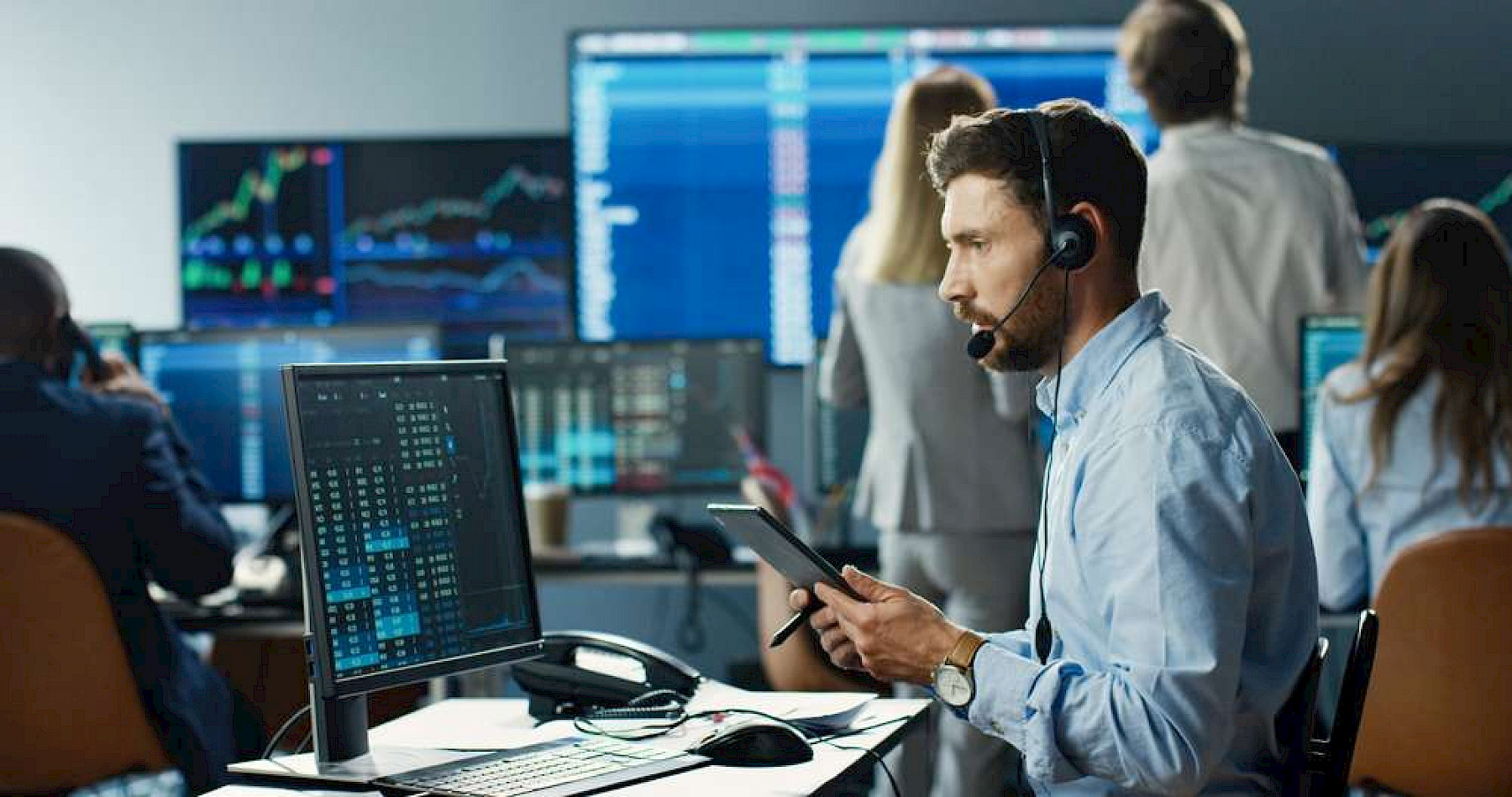
Mobility is part of modern trading. Many portfolio managers and traders rely on Bloomberg Anywhere and other remote platforms to monitor markets and execute trades from their phones, tablets, or laptops.
This speed and flexibility are essential to stay competitive but they also expand the attack surface. Mobile access to trading systems introduces real security and compliance risks that firms can’t ignore.
Why mobile trading access increases risk
Bloomberg Terminals are designed with strong security, but the devices connecting to them can still be weak points. A stolen phone, a compromised Wi-Fi network, or an unencrypted laptop could provide attackers with a route into highly sensitive data.
Some of the main risks include:
-
Device loss or theft: A misplaced phone or laptop could expose cached credentials or trade data.
-
Unsecured connections: Using Bloomberg Anywhere over public Wi-Fi can allow data interception if the connection isn’t encrypted.
-
Personal devices: Traders often use personal mobiles for convenience, which may lack proper controls.
-
Phishing and malware: Attackers target traders with realistic messages that mimic Bloomberg chat or email notifications.
How Maple helps firms protect Bloomberg and trading access
At Maple, we help financial organisations create secure, compliant mobile environments that support fast-paced trading without compromising safety.
Here’s how:
-
Device encryption and management: We enforce encryption on all corporate and approved personal devices. Even if a device is stolen, the data remains unreadable.
-
Secure VPN tunnels: All Bloomberg Anywhere sessions and remote trading connections route through secure, monitored VPNs to prevent interception.
-
Remote lock and wipe: If a device is lost, it can be locked or wiped instantly to protect access credentials and stored data.
-
Multi-factor authentication (MFA): Additional login verification ensures that even if credentials are stolen, attackers can’t gain access.
-
Compliance monitoring: We configure reporting to show that all remote connections meet FCA, GDPR, and internal policy standards.
Bloomberg-specific best practices
If your team uses Bloomberg Anywhere or other mobile terminals:
-
Always connect through a secure corporate VPN, not public Wi-Fi.
-
Enable biometric login or MFA wherever possible.
-
Make sure all devices are covered by mobile device management (MDM) for updates and tracking.
-
Regularly review who has access and remove inactive or unused accounts.
Balancing speed, compliance, and control
Traders need fast access to make time-sensitive decisions. Security shouldn’t slow them down, it should quietly protect them in the background. With proper device management and secure access tools, firms can give traders the flexibility they need without introducing new risks.
The takeaway
Whether your traders use Bloomberg Terminals, Bloomberg Anywhere, or other trading apps, protecting mobile devices is critical to keeping trading operations secure and compliant.
Maple helps financial firms implement practical safeguards from encryption and VPNs to compliance monitoring so that mobile access stays fast, safe, and uninterrupted.