Cybersecurity Checklist for SME's
18 May 2026
Cyber threats are no longer something only large companies need to think about. Small businesses are increasingly being targeted because they often have fewer protections in place, but still hold valuable customer, payment, and operational data. The good news is that improving your cybersecurity does not have to be complicated or expensive. A few practical steps can significantly reduce your risk.
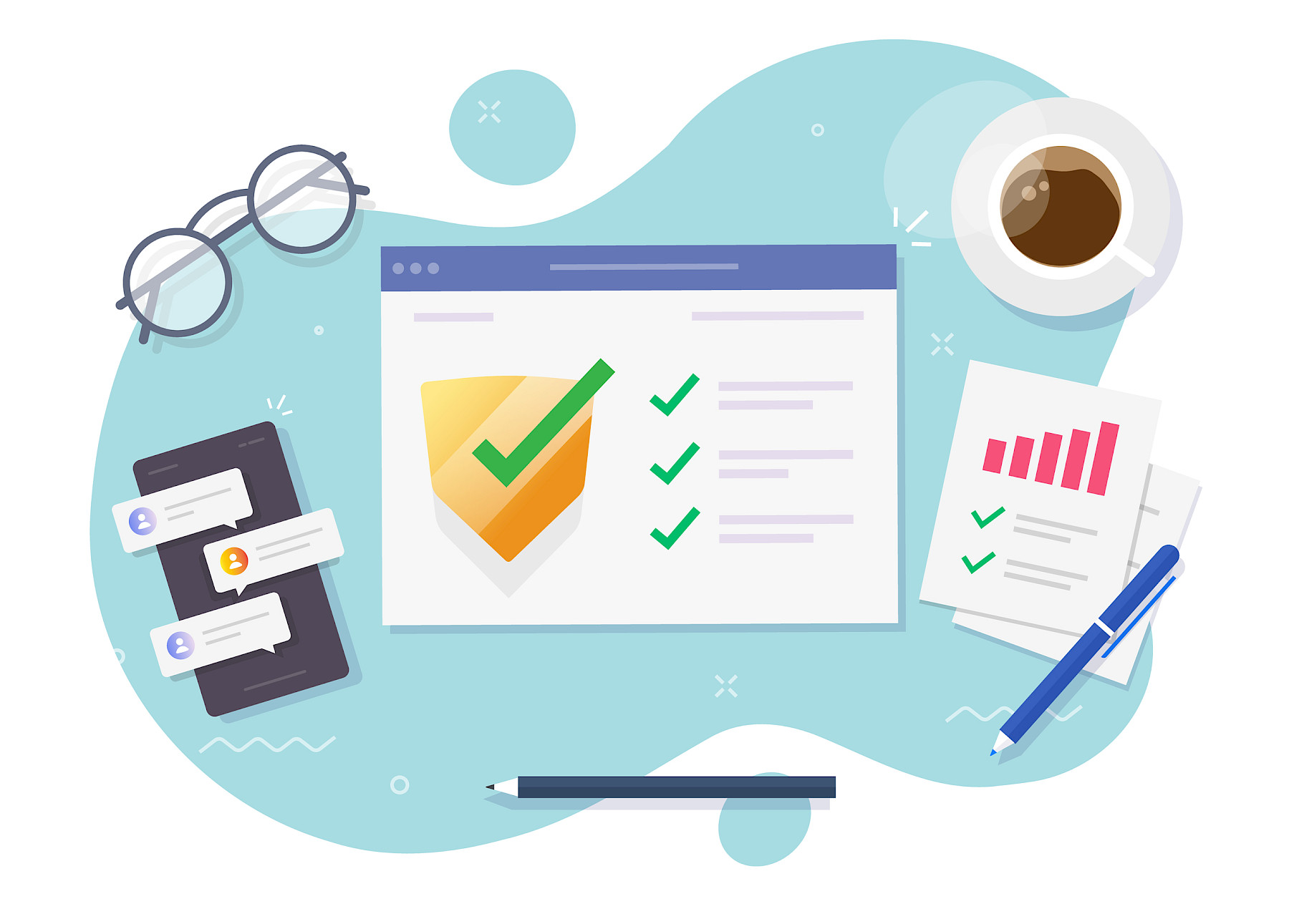
Here is a simple cybersecurity checklist every small business should review.
1. Use Strong Passwords and Multi-Factor Authentication
Weak or reused passwords remain one of the biggest causes of security breaches. Make sure your team:
- Uses unique passwords for every account
- Avoids sharing login details between staff
- Uses a password manager where possible
- Enables multi-factor authentication (MFA) on email accounts, accounting software, cloud storage, and banking platforms
MFA adds an extra layer of security, even if passwords are compromised.
2. Keep Software and Devices Updated
Outdated software creates vulnerabilities that cybercriminals actively look for. Regularly update:
- Computers and laptops
- Mobile devices
- Accounting software
- Web browsers
- Antivirus tools
- Cloud-based systems
Enable automatic updates wherever possible to reduce the risk of missing critical security patches.
3. Back Up Important Business Data
Data loss can happen through cyberattacks, accidental deletion, hardware failure, or ransomware. Your business should:
- Back up files automatically
- Store backups securely in the cloud or offsite
- Test backups regularly to ensure they can be restored
Having reliable backups can dramatically reduce downtime if something goes wrong.
4. Train Staff to Spot Scams
Many cyberattacks begin with phishing emails or fake messages designed to trick employees. Teach your team to:
- Avoid clicking suspicious links
- Verify unexpected payment requests
- Be cautious with attachments
- Double-check email addresses and sender details
Even basic awareness training can prevent costly mistakes.
5. Secure Your Wi-Fi and Business Network
An unsecured network can expose sensitive business information. Make sure you:
- Use strong Wi-Fi passwords
- Change default router settings
- Separate guest Wi-Fi from business systems
- Use a firewall and reputable antivirus software
If employees work remotely, encourage the use of secure home networks and VPNs where appropriate.
6. Limit Access to Sensitive Information
Not every employee needs access to every system. Review who can access:
- Financial data
- Payroll systems
- Customer records
- Administrative accounts
Removing unnecessary access reduces the risk of accidental or intentional misuse.
7. Create a Basic Cyber Incident Plan
If a cyber incident happens, knowing what to do quickly is essential. Your plan should include:
- Who to contact
- How to isolate affected systems
- How to restore backups
- How to communicate with customers if needed
Even a simple documented process can save valuable time during an incident.
How Maple Can Help
Cybersecurity is not just an IT issue. It is a business risk that can affect operations, finances, and customer trust.
At Maple, we help small businesses strengthen their systems, improve processes, and reduce operational risks. Whether it is reviewing internal controls, improving financial system security, or helping you put better procedures in place, we work with businesses to build stronger foundations for long-term growth.
If you would like support reviewing your current processes or identifying areas of risk in your business, Contact Maple our team is here to help.