What to Do If an Employee Clicks a Phishing Link
15 June 2026
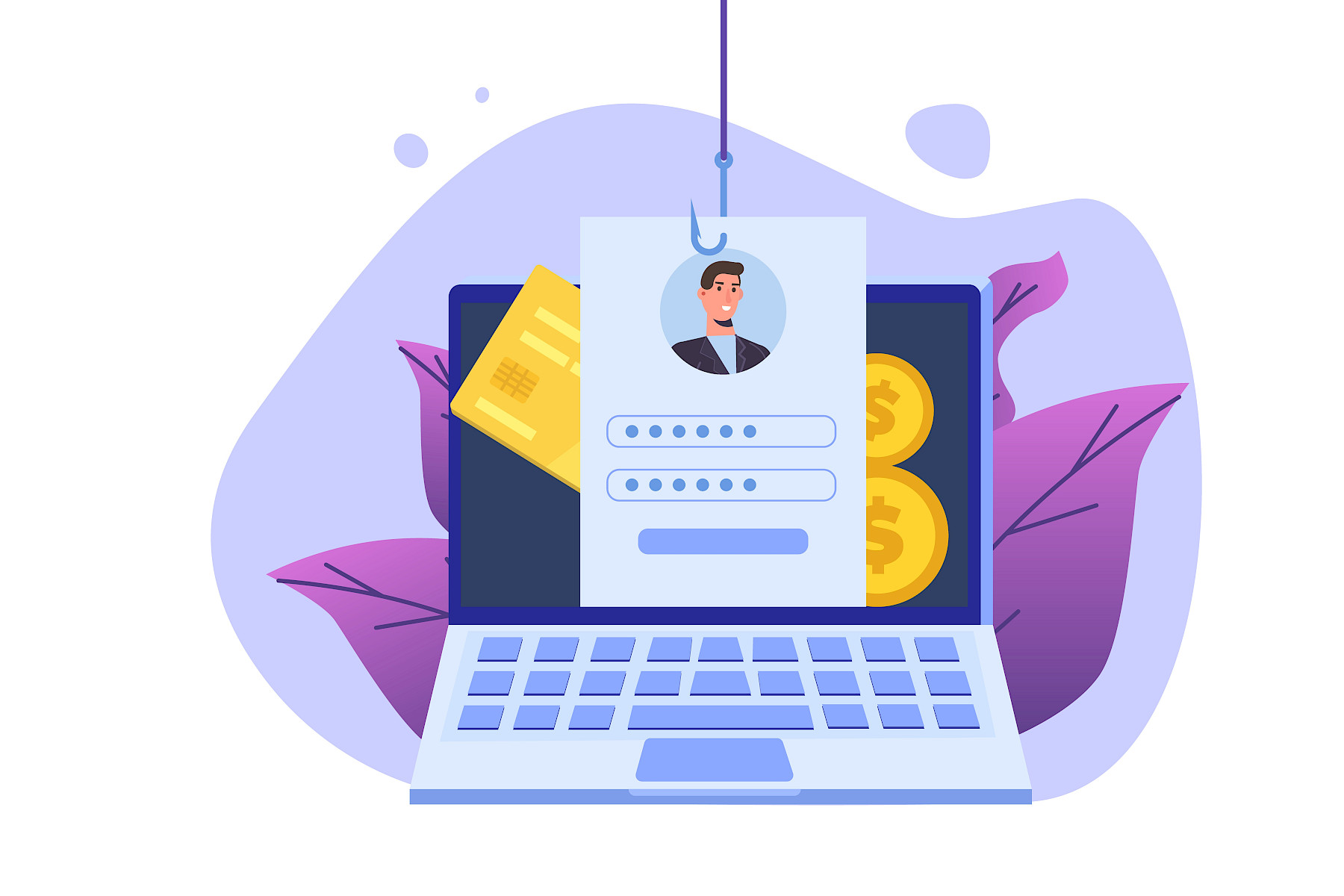
Phishing emails remain one of the most common ways cybercriminals gain access to business systems. Even with training and security measures in place, mistakes can happen. An employee may click a suspicious link before realising something isn't right.
The good news is that a quick response can often prevent a minor incident from becoming a major problem.
Step 1: Stay Calm and Act Quickly
If someone clicks a phishing link, encourage them to report it immediately. Delaying action can give attackers more time to exploit compromised credentials or devices.
Employees should never feel embarrassed about reporting a mistake. The sooner IT is informed, the faster protective measures can be put in place.
Step 2: Disconnect the Device if Necessary
If the link downloaded a file, launched an unexpected application, or redirected the user to a suspicious website, disconnect the device from the internet and company network where possible.
This can help prevent malware from spreading or communicating with external servers.
Step 3: Change Passwords Immediately
If the employee entered login details after clicking the link, reset the password straight away.
Prioritise:
- Microsoft 365 accounts
- Email accounts
- Business applications
- Cloud services
- VPN access
If the same password has been reused elsewhere, those accounts should also be updated.
Step 4: Enable or Verify Multi-Factor Authentication
Multi-Factor Authentication (MFA) provides an additional layer of protection even if credentials have been stolen.
If MFA is not already enabled, now is the time to implement it. If it is enabled, check for any suspicious authentication requests or login attempts.
Step 5: Check for Unauthorised Activity
Review account activity for signs of compromise, including:
- Unexpected logins
- Password changes
- New mailbox rules
- Suspicious email forwarding settings
- Unusual file access or downloads
Cybercriminals often attempt to maintain access after obtaining credentials, so monitoring is essential.
Step 6: Run Security Scans
Perform a full antivirus and malware scan on the affected device.
Modern phishing attacks may attempt to install malicious software silently in the background. Security scans can help identify and remove threats before they spread further.
Step 7: Warn Other Employees
If one employee received a phishing email, others may have received it too.
Share a quick alert with staff, including screenshots if available, so colleagues know what to look out for and can avoid interacting with the same message.
Step 8: Review and Learn
Every phishing incident is an opportunity to strengthen security.
Consider:
- Additional phishing awareness training
- Reviewing email security settings
- Testing employees with phishing simulations
- Updating incident response procedures
Building awareness across the organisation helps reduce the likelihood of future incidents.
How Maple Technology Can Help
At Maple Technology, we help businesses protect themselves against phishing attacks through managed security services, email protection, Multi-Factor Authentication, staff training, and proactive monitoring.
If an employee clicks a suspicious link, having expert support available can make all the difference in responding quickly and minimising potential damage.
A phishing link click doesn't have to become a serious security breach. Fast reporting, quick action, and the right security measures can dramatically reduce the impact.
The most important step is ensuring employees know what to do and feel confident reporting anything suspicious immediately.
Why Cybersecurity Training Matters for Staff
The Biggest Cybersecurity Mistakes Businesses Still Make