What Is Multi-Factor Authentication (MFA) and Why Does It Matter?
10 June 2026
Passwords have been the standard way to protect accounts for decades, but they are no longer enough on their own. Cyber criminals are becoming increasingly sophisticated, using stolen passwords, phishing emails and data breaches to gain access to business systems.
This is where Multi-Factor Authentication (MFA) comes in.
What is MFA?
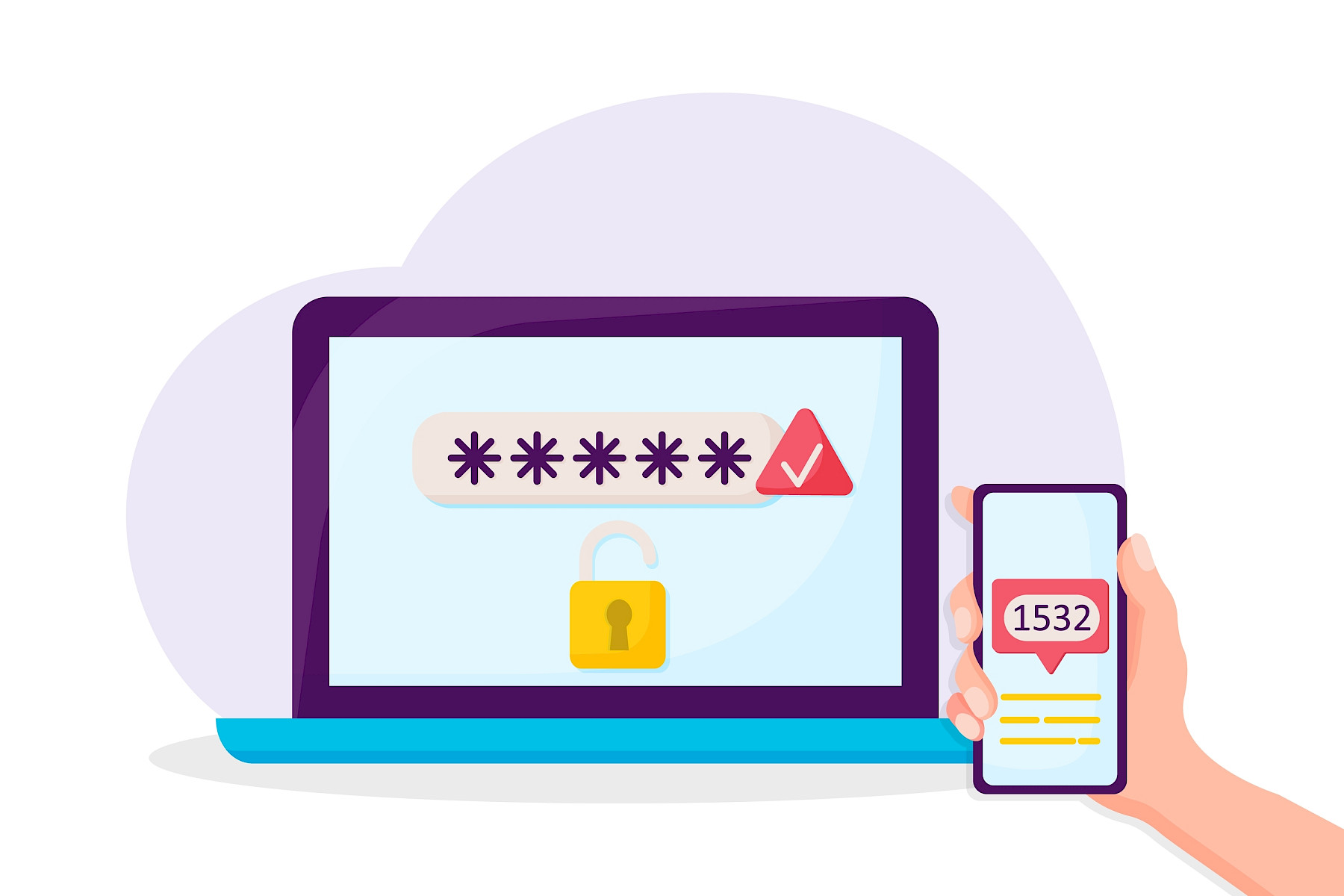
Multi-Factor Authentication is a security measure that requires users to provide two or more forms of verification before accessing an account or system.
Instead of simply entering a password, you must also provide an additional piece of information, such as:
- A code sent to your phone
- A notification from an authentication app
- A fingerprint or facial recognition scan
- A physical security key
Think of it like locking your front door and then needing a second key to enter. Even if someone gets hold of the first key, they still cannot gain access without the second.
The Three Types of Authentication Factors
MFA combines two or more of the following:
Something You Know
This includes:
- Passwords
- PIN numbers
- Security questions
Something You Have
This includes:
- A mobile phone
- An authentication app
- A hardware security key
Something You Are
This includes:
- Fingerprints
- Face recognition
- Voice recognition
Using factors from different categories makes it much harder for attackers to compromise an account.
Why Passwords Alone Are Not Enough
Many people still use weak passwords or reuse the same password across multiple websites and services.
If a password is exposed in a data breach or obtained through a phishing attack, criminals can often gain immediate access to accounts.
Unfortunately, even strong passwords can be stolen through:
- Fake login pages
- Malware
- Credential theft
- Social engineering attacks
MFA adds an extra layer of protection that significantly reduces this risk.
Real-World Attacks MFA Can Help Prevent
Phishing Attacks
A staff member receives an email appearing to come from Microsoft asking them to verify their account.
They enter their username and password into a fake login page.
Without MFA, the attacker can immediately access the account.
With MFA enabled, the attacker still needs the second authentication factor, making it much more difficult to gain entry.
Stolen Passwords from Data Breaches
Large data breaches occur regularly, exposing millions of usernames and passwords.
If an employee has reused a password from another website, attackers may attempt to use those credentials against business systems.
MFA provides an additional barrier even when the password is known.
Remote Access Attacks
Attackers frequently target remote access services and cloud applications.
If login details are compromised, MFA can help stop unauthorised access before it occurs.
Common MFA Methods
Authentication Apps
Apps such as Microsoft Authenticator or Google Authenticator generate secure, time-sensitive codes.
These are generally more secure than receiving codes by text message.
Push Notifications
Users receive a prompt on their phone asking them to approve or deny a login attempt.
This method is simple and convenient for most users.
Security Keys
Physical security keys provide one of the strongest forms of MFA and are often used for highly sensitive accounts.
Biometrics
Fingerprint and facial recognition technology offer a convenient and secure authentication method when supported by the device.
Benefits for Businesses
Implementing MFA provides several advantages:
- Reduces the risk of account compromise
- Protects business email accounts
- Helps secure cloud services such as Microsoft 365
- Supports compliance and cyber security requirements
- Minimises the impact of stolen passwords
- Improves overall security posture
For many organisations, enabling MFA is one of the quickest and most effective security improvements they can make.
Getting MFA Right
While MFA significantly improves security, it should be configured correctly.
Best practices include:
- Enabling MFA for all users, not just administrators
- Using authentication apps rather than SMS where possible
- Training staff to recognise suspicious MFA prompts
- Reviewing security settings regularly
- Implementing conditional access policies where appropriate
How Maple Can Help
At Maple, we help businesses strengthen their cyber security with practical, effective solutions that fit their needs. From implementing Multi-Factor Authentication across Microsoft 365 to reviewing security policies and user access controls, our team can help reduce risk and improve protection without adding unnecessary complexity.
If you would like advice on securing your business systems or reviewing your current security setup, our experts are here to help - get in touch with us.
5 Simple Ways to Make Your Business IT More Reliable